Genealogy Research Log: What to Track and Why It Saves You Years
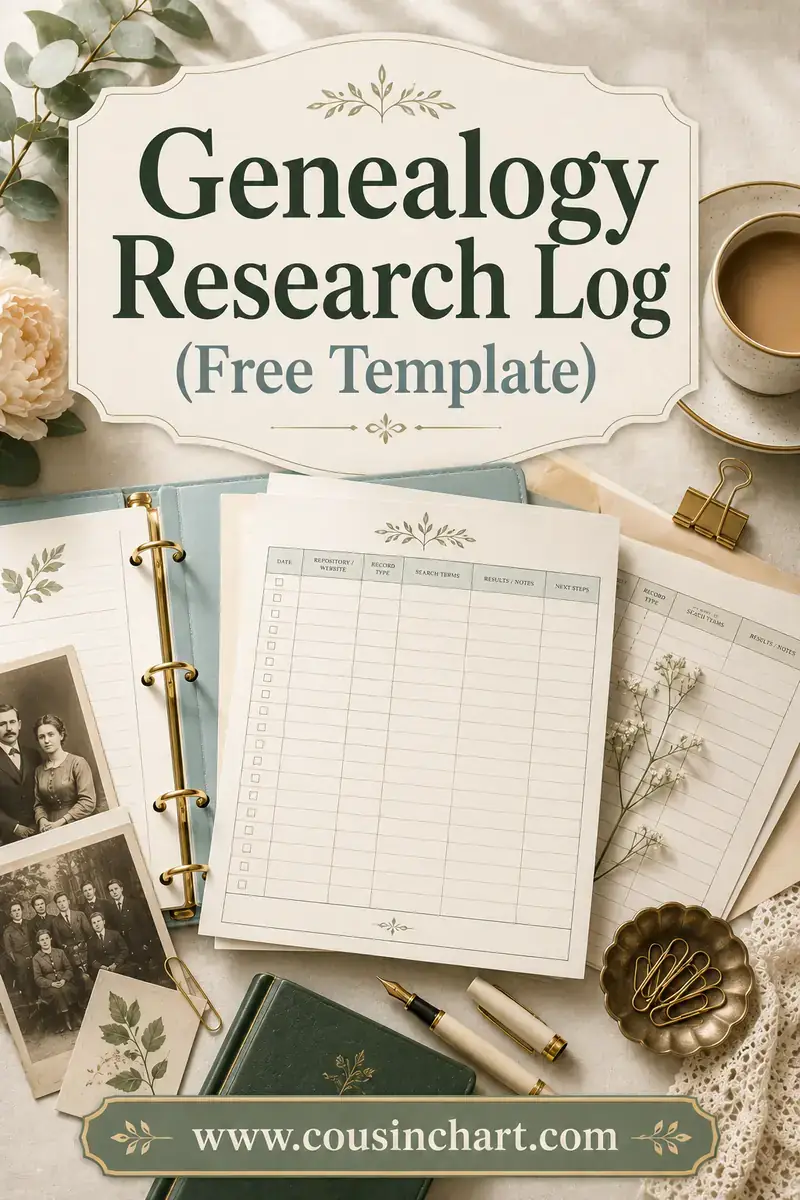
A genealogy research log is a simple running record of every search you run: the date, the ancestor and question you were working on, the exact database or collection you searched, the search terms you used, and what came back — including when nothing came back. That last part is the whole point. A log stops you from running the same failed search over and over across years without realizing it.
It's the least glamorous habit in family history and the one experienced researchers defend most fiercely. You don't need software or a system to start; a spreadsheet or a printed sheet clipped to your printable family tree charts will do the job from tonight.
Free printables for this page
Download a blank PDF (US Letter or A4) — free, no sign-up — or customize it in the maker above before printing.
 Research Log
 Source Citation Log
 Family Group Sheet
What goes in each column? Tap a column heading to see exactly what to write — and what beginners get wrong.
Tap a column above to see what belongs in it.
Print charts and forms to log against →What a research log actually is (and isn't)
A research log records searches, not people. That distinction confuses beginners more than anything else.
Your family tree records conclusions: John Miller, born 1842 in Ohio. Your source citations record where a fact came from. Your research log records the hunt — every place you looked for that birthplace, whether or not you found it.
Three different jobs:
- The tree answers "what do I believe about this person?"
- The citation answers "what proves it?"
- The log answers "where have I already looked, and what's left?"
You need all three, and only the log survives the thing that actually breaks genealogy research: time. Come back after six months and you'll remember your conclusions. You will not remember that you already checked the county's probate index and it stops at 1867.
Why negative results are the most valuable lines
Here's the case for the log in one sentence: a search that finds nothing is a result, and if you don't write it down you will run it again.
Most beginners only record wins. So the log fills up with the twelve records they found and none of the ninety searches that failed — which means next year, staring at the same brick wall, they start from zero and repeat the exact same ninety searches in roughly the same order.
Written down properly, a negative result does real work:
- It stops repetition. "Not found in the 1900 census, Ohio" is a fence around ground you've already covered.
- It narrows the field. Every place your ancestor isn't makes the places they might be more likely.
- It exposes gaps in the source, not the ancestor. "Not found — this index only covers 1867 to 1900" tells you the record set failed, not the search. That's a different problem with a different fix.
- It's evidence for a conclusion. The Genealogical Proof Standard asks for a reasonably exhaustive search. A log of thorough negative searching is how you demonstrate one when you finally write up a conclusion like "no marriage record exists for this couple in this county."
- It makes re-searching smart. Databases add collections constantly. A dated negative result tells you which searches are worth running again and which you did last month.
How to write a useful negative result
"Nothing found" is nearly useless. Write what the absence means:
- Bad: Nothing.
- Better: Not found.
- Good: Not found in surname index; searched Miller, Mueller, Muller, M\ller. Index covers 1867–1900; our target year 1861 is not covered by this collection.*
The good version tells you the search was sound, the spelling was covered, and the failure was the collection's date range — so the next step is finding a source that covers 1861, not searching this one harder.
The exact columns to use
Keep it to eight columns. More than that and you'll stop filling it in, which is the only real failure mode of a research log.
| Column | What goes in it | Example |
|---|---|---|
| Date | Day of the search | 2026-03-14 |
| Ancestor | Consistent name + birth year | MILLER, John (b. abt 1842) |
| Question | The specific thing you want to learn | Where exactly was John born in Ohio? |
| Source searched | Site, archive, collection, place, years | FamilySearch, "Ohio, County Births, 1841–2003" |
| Search terms | Literal strings and filters used | john mill* + 1840–1845 + Ohio, no county filter |
| Result | Found or not found, with detail | Not found; collection sparse before 1867 |
| Citation / file | Where the evidence now lives | MILLER_John_1850-census-Stark-OH.jpg |
| Next step | The follow-up this suggests | Try Stark Co. tax lists 1840s |
A few notes that make the difference between a log you keep and a log you abandon:
- Write dates as YYYY-MM-DD. They sort correctly in every spreadsheet on earth.
- Write the ancestor's name identically every time. Sorting by ancestor is how you see, at a glance, everything you've ever tried for one person.
- One row per search, not per session. If you searched three collections in an evening, that's three rows.
- Never delete a row. Even a badly-run search is a record of what you tried.
Optional columns worth adding later
Some researchers add a repository column (which archive physically holds it), a cost column if they're using pay-per-view records, and a confidence column for how strongly a find supports the conclusion. Add them if you'll use them; don't add them on day one.
A worked example: finding John Miller's birthplace
Abstract advice is easy to nod at, so here's what a real week of logging looks like. The question: where in Ohio was John Miller born, around 1842?
| Date | Source searched | Search terms | Result | Next step |
|---|---|---|---|---|
| 2026-03-14 | FamilySearch, 1850 US Census, Ohio | john miller, b. abt 1842, Ohio | Found: household in Stark Co., John age 8, parents Jacob & Mary | Get 1860 census for same household |
| 2026-03-14 | FamilySearch, 1860 US Census, Ohio | jacob miller, Stark Co. | Found: family now in Summit Co.; John age 18 | Look for marriage 1860s Summit Co. |
| 2026-03-15 | FamilySearch, "Ohio County Births 1841–2003" | miller, 1840–1845, Stark Co. | Not found. Collection sparse before 1867 for Stark | Birth cert unlikely; try church baptism records |
| 2026-03-15 | FamilySearch catalog, Stark Co. church records | browse German Reformed, Lutheran | Two congregations with 1840s registers, images restricted to family history centers | Visit local affiliate library |
| 2026-03-17 | Find a Grave, Stark & Summit Co. | miller, d. 1900–1920 | Found headstone: John Miller 1842–1911, Summit Co. | Order death certificate — may name birthplace |
| 2026-03-18 | Free newspaper archive, Summit Co. | "john miller" + 1911 obituary | Not found. Archive holds only 1885–1899 for this paper | Check county library's microfilm holdings |
| 2026-03-21 | County death certificate (ordered) | — | Death cert names birthplace: Osnaburg Twp, Stark Co. | Search Osnaburg Twp church registers |
Look at what the negative rows did. The 15 March row killed an entire line of attack — no birth certificate exists, stop looking — and redirected to church records. The 18 March row proved the newspaper archive's coverage gap, so next time you won't waste an hour there hoping. Neither row found a document, and both moved the research forward.
That's the log earning its keep. In a year, when you can't remember whether you ever checked Stark County births, the answer is right there with a date on it.
Free and paid options: what to actually use
You do not need to buy anything. Pick the lowest-friction option you'll actually keep up with.
| Option | Cost | Best for | Watch out for |
|---|---|---|---|
| Spreadsheet (Excel, Google Sheets, LibreOffice) | Free | Almost everyone; sorting and filtering by ancestor | Nothing — this is the default recommendation |
| Printed log sheet in a binder | Free to print | Archive and library visits, people who think on paper | Have to re-type it later if you want to search it |
| Notes app or word processor table | Free | Casual researchers, phone logging on the spot | Poor sorting; gets messy past a few hundred rows |
| Genealogy software with a built-in log or to-do list | Paid or free tiers | Keeping the log attached to each person in the tree | Locked to that program's export format |
| Subscription site "search history" | Included with subscription | A rough backstop | Only covers that one site, and doesn't record why you searched or what it meant |
Google Sheets deserves a specific mention: it's free, it syncs to your phone at the archive, it's shareable if you research with a cousin, and it filters instantly. If you have no strong preference, use a Google Sheet with the eight columns above and start tonight.
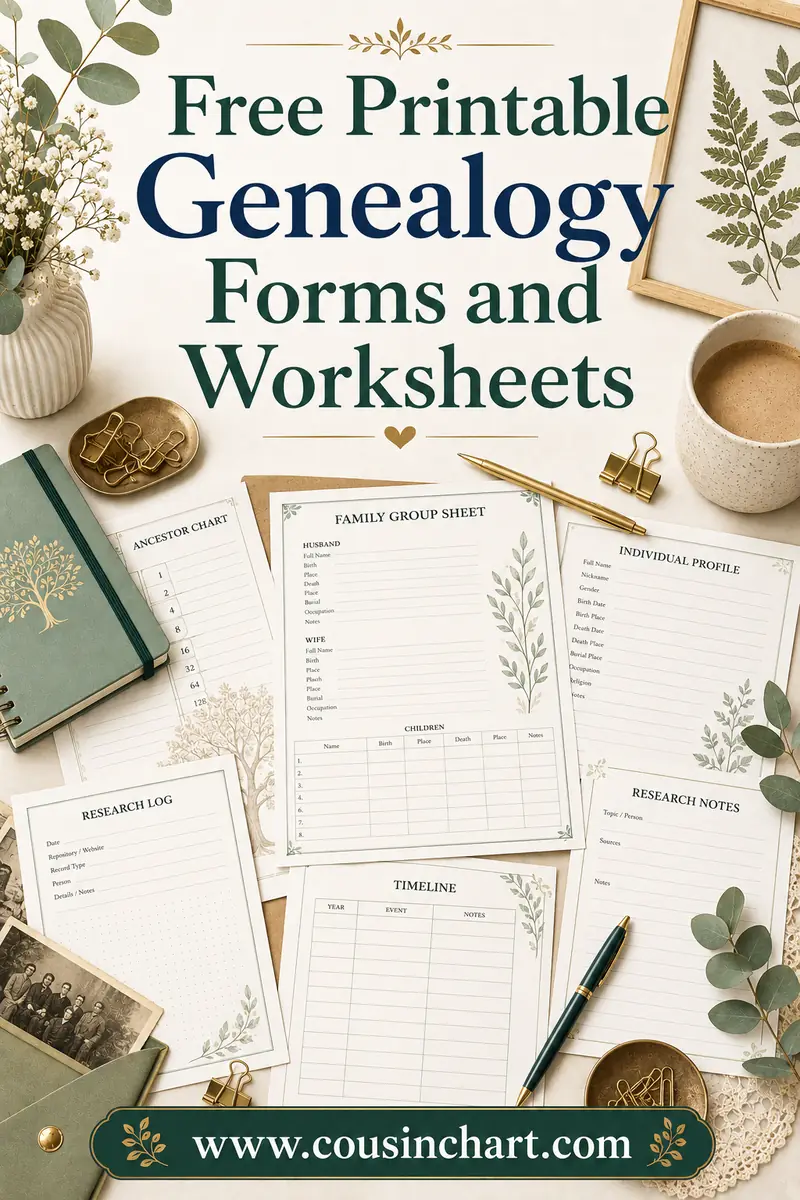
If you prefer paper, our set of free printable genealogy forms includes log-style sheets you can fill in by hand and file behind each surname.
How to keep a log without hating it
The honest problem with research logs isn't that people don't believe in them. It's that logging feels like it interrupts the fun bit. Some ways round that:
Log before you search, not after
Fill in the date, ancestor, question and source before you click search. Now the row exists, and all you have to do afterwards is type the result. Logging after the fact is what people skip.
Write the question first, in one sentence
"Where was John Miller born?" or "Did Mary Adams remarry after 1878?" A specific question forces a specific search and gives you something a result can actually answer. Vague sessions — "look into the Millers" — produce nothing loggable and, not coincidentally, nothing useful.
Give yourself a shorthand
You don't need prose. `FS 1900 cens OH, miller/mueller, nf` is a perfectly good row if you'll understand it in a year. The test is future-you, not a grader.
Log the census carefully
Census searching produces more repeated dead ends than anything else, partly because names get indexed so badly. Note which spellings and wildcards you tried and which counties you covered — our guide to searching census records covers the search strategies worth logging in the first place.
Accept an imperfect log
A log with gaps is enormously more useful than no log. If you fall off for a month, just start again with today's date. Nobody is auditing you.
What to log when you're not searching a database
Online searching is only part of research, and the offline parts are the ones people forget to log — then repeat.
Worth a row each:
- Archive and library visits. Which repository, which microfilm or box number, what you looked at, and crucially what you ran out of time for. That last note is the one that makes a second visit efficient instead of a re-run of the first.
- Records you ordered. Certificate ordered, from which office, on what date, for how much, and what arrived. Ordering the same certificate twice is a genuinely common and genuinely annoying mistake.
- Letters and emails. Who you contacted, when, what you asked, and whether they replied. Distant cousins and parish offices sometimes answer months later.
- Interviews. Date, who you spoke to, the topics covered, and where the recording is saved. Testimony is evidence and deserves the same tracking as a document.
- DNA match follow-ups. Which match you examined, what tree they had, and what you concluded. Match lists are long and it's remarkably easy to research the same person twice.
- Books, journals and published family histories. Title, author, page, and which library holds it. Published trees are hints too — note whether the claim was sourced.
The test is the same in every case: if repeating it would cost you an hour or a fee, log it.
Research log vs to-do list vs timeline
These three tools get muddled, and using one for another's job is why people conclude logs "don't work."
- The research log looks backwards. Every search you've run. Never delete anything.
- The to-do list looks forwards. Every search you intend to run. Items get crossed off. Your log's "next step" column feeds it.
- The timeline is about a person. Every known event in one ancestor's life, in date order, from all sources. It's the tool that exposes impossibilities — a man appearing in two counties in the same month, a child born four years after a father's death.
Different jobs, and each is easier if the other two exist. A log with a "next step" column effectively generates its own to-do list, which is why that single column is worth more than any fancy software feature.
Where the log fits in your wider system
A log is one part of a working setup: charts to see the tree, forms for family groups, files for images, citations for evidence, and a consistent home for all of it. If your files are currently a folder called "genealogy" containing 400 items named `scan_0043.jpg`, fix that alongside starting the log — our guide to organizing genealogy research walks through naming conventions, filing systems and backups.
And if you're at the very beginning, the log matters even more than you'd expect: starting one in week one means you'll never have to reconstruct a year of searching from memory. Our beginner's guide to building a family tree covers the order to do everything in, and FamilySearch is the free site most of your early log rows will name.
FAQ
What is a genealogy research log?
It's a running record of every search you perform while researching your family history: the date, the ancestor, the question you were trying to answer, the exact collection you searched, the terms you used, and the outcome — including searches that found nothing. It's a record of your process, separate from your family tree and separate from your source citations.
Why should I record searches that found nothing?
Because a negative result stops you repeating a failed search months or years later, and because it tells you something real: either your ancestor isn't in that record set, or the record set doesn't cover your years or place. Written properly, negative results also demonstrate the "reasonably exhaustive search" the Genealogical Proof Standard asks for.
What columns should a genealogy research log have?
Eight are enough: date, ancestor, research question, source searched (site, collection, place and years), search terms used, result, citation or filename, and next step. Keep the ancestor name and date format identical in every row so you can sort and filter cleanly.
Is a spreadsheet good enough, or do I need software?
A spreadsheet is genuinely good enough and is what many experienced researchers use. Google Sheets syncs to your phone for archive visits and filters instantly. Genealogy software with a built-in log is convenient because entries attach to the person, but it isn't necessary and it ties your data to one program.
How detailed should each entry be?
Detailed enough that you could re-run the identical search in a year without guessing. That means the specific collection rather than just the website, the actual search terms including spelling variants and wildcards, and a result line that explains why nothing was found when nothing was found. Shorthand is fine.
Should I keep one log for everything or one per ancestor?
One log for everything, with an ancestor column you can sort by, is simpler and safer than juggling dozens of files. If you have a single very deep project — one brick-wall ancestor you've chased for years — a dedicated sheet for that person, plus the master log, works well.
Start the log tonight
You don't need to reconstruct the last two years of searching. Open a blank spreadsheet, type the eight column headings, and log the very next search you run — including if it finds nothing. Within a month you'll have a map of everywhere you've been, and the specific relief of never again wondering "did I already check this?"
Print charts and forms to log against from our free printable family tree pack — and when a record turns up a relative whose relationship to you isn't obvious, the family relationship calculator will name it before you can finish the sentence.