Best Free Family Tree Makers (No Subscription Needed)
Most "free" family tree makers are free to start and charge to continue — to see your matches, to export your data, or to keep more than a set number of people. The distinction that matters is not which one looks best but whether you can get your research out again, and that comes down to one feature: GEDCOM export. A tool that will not give you a GEDCOM file is holding your work hostage, however good the interface. This page covers what to check before committing hours, why offline software is worth considering, and the honest case for a spreadsheet. To name any relationship as you build, use the cousin calculator.
What matters in a family tree tool? Tap what you need to check first.
Tap an option above. Export matters more than the interface.
The three kinds of tool
Knowing which you are dealing with explains most of the frustration.
Desktop software. Installed on your machine, data stored in a local file. Usually free with no cap, or free with a paid upgrade for extra features. Nothing depends on a company staying in business, and nothing is uploaded unless you choose to upload it.
Online tree builders attached to a records service. Free to build a tree; the money is in the record subscriptions and DNA matching. Excellent for research because the records are right there, and your tree lives on their servers.
General-purpose diagram tools. Flowchart and drawing apps used to draw a tree by hand. Fine for a one-off wall chart, hopeless as a research database — no dates handling, no sources, no GEDCOM.
Which you want depends on what you are doing. Building a wall chart of four generations you already know? A diagram tool or a printable template is enough — see printable family tree. Researching a line back two centuries? You need real software with sources and export.
Check GEDCOM export first
The single most important feature, and the one least often mentioned in reviews.
GEDCOM is the universal genealogy file format, and every serious tool reads and writes it. It is how you move a tree from one program to another.
A tool that cannot export GEDCOM is a dead end. Everything you enter stays there. If the service closes, changes its pricing, or simply annoys you, your research does not come with you.
Some tools export only on a paid tier. That is the commonest catch in "free" family tree software, and it is worth discovering on day one rather than after three hundred people.
Test it early. Enter five people, export, and open the file in a text editor. It should be readable plain text with tags like `INDI` and `FAM`. If you get an error, a watermark, or a paywall, you have learned something important cheaply.
Export regularly once you are committed. A GEDCOM in your own storage is the backup that makes every other risk survivable.
And note that GEDCOM does not carry everything. Photographs, some custom fields and formatting are often lost or partially transferred. Export the media separately.
Online versus offline
A genuine trade-off rather than a right answer.
Online tools are better for research. The records are integrated, hints appear as you build, and DNA matching connects you to relatives working on the same lines. That is real value and it is why most people use them.
Offline software is better for ownership. The file is on your machine. Nothing depends on a subscription or a company's continued existence, and nothing about your living relatives sits on a server.
Privacy differs meaningfully. A tree contains dates of birth, maiden names, places and family relationships for living people — precisely the material used for identity verification. Most online services let you mark living people as private; check that it is on by default rather than assuming.
The common compromise: research online where the records are, but export a GEDCOM regularly and keep the master copy locally. That gets you the hints and the ownership.
And a note on the genogram equivalent: the same privacy reasoning applies more strongly to relationship and medical charts, which is covered in free genogram makers.
What "free" usually means
The limits worth finding before you hit them.
| Commonly capped | Typical catch |
|---|---|
| Number of people | Free up to a few hundred, then paid |
| Number of trees | One free tree |
| GEDCOM export | Paid tier only |
| Photo storage | Small allowance |
| Chart printing | Watermarked until paid |
| Record hints | Visible but locked |
| DNA matching | Requires a subscription |
"Free forever" and "free trial" look identical on a landing page. The difference shows up at person 250, or when you try to print.
Desktop software is the most reliably free, because there is no ongoing cost to the developer for storing your data.
Record access is where money genuinely changes hands, and that is reasonable — digitising archives costs real money. What is less reasonable is charging to export the data you entered yourself.
Read what happens if you stop paying. Some services keep your tree visible read-only; some lock it entirely. That is worth knowing before, not after.
Sources are the feature that matters most
Underrated by beginners and the thing every experienced researcher wishes they had used from the start.
A tree without sources is a collection of assertions. It might be right, and nobody — including you, in five years — can tell which parts.
A good tool lets you attach a source to every fact, not just to a person: this birth date came from this parish register, this marriage from this certificate.
Record the negative findings too. "Searched 1881 census for this family, not found" saves you repeating the search in two years, and good software has somewhere to put that.
Cite as you go. Adding sources retrospectively to two hundred people is a project nobody completes.
Photograph or screenshot the record itself and attach it. Links break; images do not.
This matters most with census work, where transcription errors are common and the original image frequently says something different from the index — the practical side is in how to search census records.
The case for a spreadsheet
Unglamorous, genuinely sufficient for a lot of people, and worth considering before you install anything.
For under about a hundred people, a spreadsheet is faster than learning a program. One row per person; columns for name, birth, death, father, mother, spouse, notes and source.
It is free forever, offline, and portable. No cap, no subscription, no company.
It sorts and filters, which is genuinely useful — every person born in one county, or everyone with a missing death date.
What it will not do: draw a chart, check consistency, or find records. You get storage, not assistance.
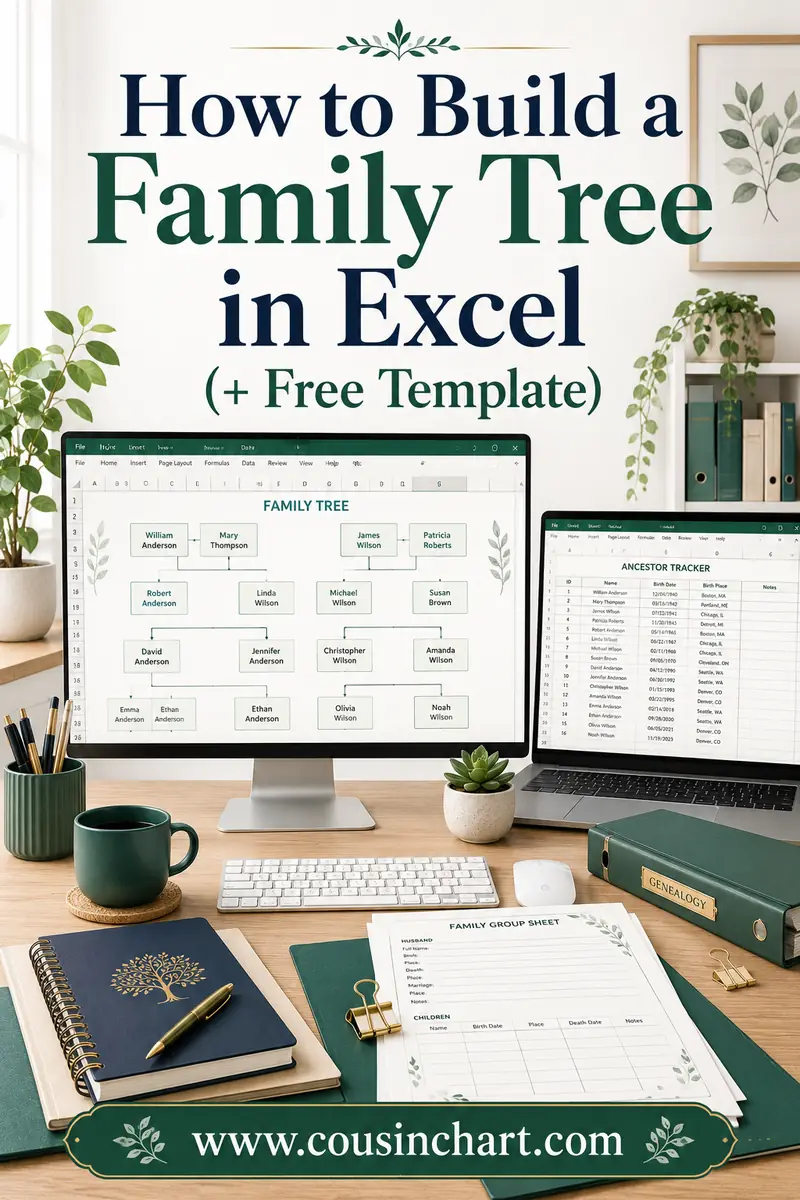
The natural progression is a spreadsheet until it becomes unwieldy, then software, importing what you have. Most spreadsheets can be converted into GEDCOM with a little work, and the layout for a structured sheet is in family tree template in Excel.
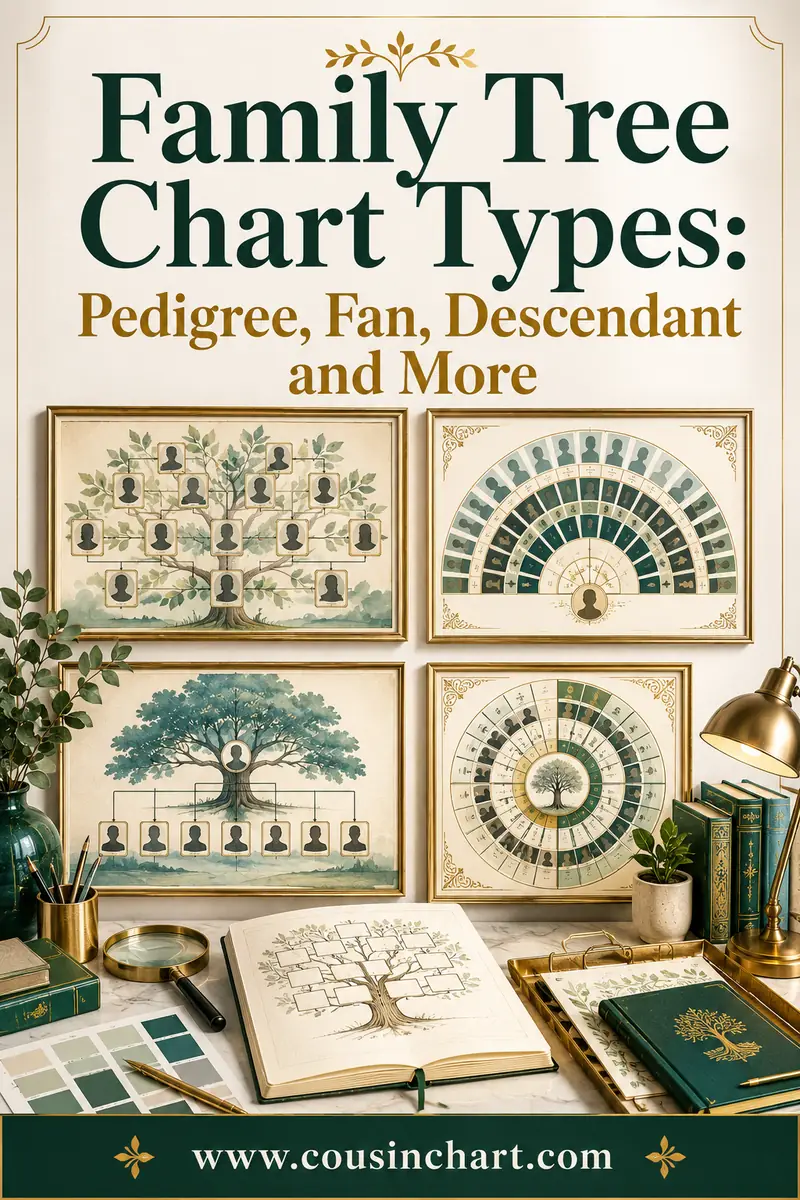
And for a chart on the wall, a spreadsheet plus a printable template beats software you have to learn — the formats are compared in family tree chart types.
Choosing without wasting a weekend
A short process that avoids the common trap of committing before testing.
Write down what you are actually doing. A four-generation wall chart, or a research project going back to the 1700s? These need different tools entirely.
Enter ten people in each of two candidates. Not one — comparison is what reveals the differences.
Export a GEDCOM from both and open the files. This single test eliminates more products than any feature list.
Print a chart from both, at the size you actually want. Storing data well and printing well are different skills and plenty of tools are good at one.
Check the privacy defaults for living people.
Then commit, and export monthly. The monthly GEDCOM is what makes the choice reversible — if the tool disappoints in a year, you leave with your work.
Do not migrate repeatedly. Every GEDCOM transfer loses a little formatting and some custom fields. Choose once, deliberately, then stay.
When you outgrow it
The signs, and what to do about them.
Over a few hundred people, a chart-drawing tool becomes unusable and you need a database.
When you start finding conflicting information, you need somewhere to record both versions with their sources — a feature simple tools lack entirely.
When you want to print something large, check the tool can tile across sheets or export at poster size — the scaling problem is covered in family tree templates for large families.
When collaboration starts, online tools pull ahead sharply; sharing a desktop file by email goes wrong quickly.
And when the research becomes serious, the sourcing features matter more than everything else combined. That is the point at which free tools with no citation support stop being adequate, and paying for something is a reasonable decision rather than a defeat.
FAQ
What is the best free family tree maker?
It depends whether you want research help or ownership. Online builders attached to records services are best for finding documents; desktop software is best for keeping your data yours. Whichever you choose, confirm it exports GEDCOM before entering much.
What is GEDCOM and why does it matter?
GEDCOM is the universal genealogy file format that every serious program reads and writes. It is how you move a tree between tools, and a program that cannot export one effectively locks in everything you enter.
Are free family tree makers really free?
Usually free up to a limit — a number of people, one tree, or watermarked printing. The most common catch is that GEDCOM export requires a paid tier, so test that on day one.
Is it safe to build a family tree online?
Trees contain birth dates, maiden names and family relationships for living people, which is exactly the material used for identity verification. Most services can mark living people private; check that setting is on by default rather than assuming it.
Can I use a spreadsheet instead?
For under about a hundred people, yes, and it is often faster. One row per person with columns for parents, dates and sources. You lose chart drawing and record hints, and you gain something free, offline and permanently yours.
How often should I back up my family tree?
Export a GEDCOM monthly and keep it in your own storage. That single habit makes every other risk — a service closing, a price change, a corrupted file — survivable.
Test the exit before you commit
The best free family tree maker is the one you can leave. Check GEDCOM export first, before the interface, the charts or the record hints — a tool that will not hand back your research is not free whatever the price. Decide deliberately between online convenience and offline ownership, find the free tier's real limit early, and record sources from the very first entry rather than promising to add them later. For under a hundred people a spreadsheet is genuinely enough. And whichever you use, the cousin calculator will name any relationship you cannot work out as you build.