DNA Painter Guide: How to Use It (Shared cM Tool + Mapping)
DNA Painter is a free third-party website that helps you interpret DNA results you already have. Its two headline tools are the Shared cM Tool, where you type in a shared centimorgan number and get a probability-weighted list of the relationships it could be, and chromosome mapping, where you assign shared segments to specific ancestors so your chromosomes gradually fill in with color. It's the work of Jonny Perl, and the relationship probabilities come from Blaine Bettinger's crowdsourced Shared cM Project.
The most important thing to understand before you sign up: DNA Painter does not test your DNA and has no match list of its own. It's an interpretation layer. You bring numbers and segment data from AncestryDNA, 23andMe, MyHeritage, FamilyTreeDNA or GEDmatch, and DNA Painter makes sense of them. If all you want right now is "what relationship is 480 cM?", our free DNA match calculator answers that in one step without any setup at all.
Which DNA Painter tool do you need? Tap what you’re trying to do:
Tap an option to see which tool handles it.
What Is DNA Painter and Who Made It?
DNA Painter is a website built by Jonny Perl, a London-based developer and genealogist who started it as a personal project for mapping his own chromosomes and then opened it up to everyone. It's become one of the most-cited tools in genetic genealogy, largely because it does two things the testing companies don't do well.
The first is honest probability. When AncestryDNA labels a match "2nd–3rd cousin," that's a bucket, not an answer. DNA Painter shows you the whole range of possibilities with numbers attached, so you can see that a given amount of shared DNA might be 42% likely to be one group of relationships and 31% likely to be another.
The second is memory. Testing sites show you one match at a time. Chromosome mapping lets you accumulate knowledge — every segment you correctly assign makes every future match on that segment easier to place.
Where the data comes from
The relationship probabilities in the Shared cM Tool come from the Shared cM Project, a crowdsourced study run by genetic genealogist Blaine Bettinger. Thousands of people submitted the amount of DNA they share with relatives whose relationships they already knew, and the collected results were turned into ranges and averages for each relationship type.
That matters for how you read the output. These are observed, real-world numbers from real families, not theoretical predictions — which is exactly why the ranges are so wide. Actual first cousins really do vary that much.
How Do You Use the Shared cM Tool?
This is the tool most people mean when they say "I checked DNA Painter." It's free, needs no account, and takes about ten seconds.
- Find the total shared cM on your match's profile. Every company shows it, usually right under the match's name. Use the total, not the longest segment and not the percentage.
- Go to the Shared cM Tool and type that number into the box.
- Read the highlighted boxes. The tool colors in every relationship compatible with that amount and shows a percentage for each group of relationships.
- Apply the filters. You can filter by the ages of the two people to eliminate generationally impossible options, and there's an option that accounts for half relationships.
- Cross-check with what you already know. If the match appears on your shared-match list with known paternal cousins, half the highlighted options disappear immediately.
Reading the percentages properly
Here's the part people get wrong. The percentages are the probability that the relationship falls in each group, not each individual label. A single group might contain "Great-grandparent, great-aunt/uncle, half aunt/uncle, first cousin" all at once, because those relationships share DNA in overlapping amounts and simply cannot be told apart by cM alone.
Roughly what you'll see at different levels:
| Total shared cM | What the tool typically shows |
|---|---|
| ~3,400 | Parent or child. Effectively no ambiguity. |
| ~2,600 | Full sibling — the one other relationship that reaches this range. |
| ~1,750 | Grandparent, half sibling, aunt/uncle, or niece/nephew, all bunched together. |
| ~850 | First cousin most likely, with half aunt/uncle, great-niece/nephew and others in the mix. |
| ~400 | A wide spread: first cousin once removed, half first cousin, second cousin and more. |
| ~180 | Second cousin territory, with 1C2R and half 2C also plausible. |
| ~90 | Second cousin once removed, third cousin, and a long tail of other options. |
| ~25 | Distant and genuinely uncertain — fourth cousin or beyond, or possibly not a real match. |
Notice how the uncertainty explodes as the numbers fall. Above about 1,300 cM you're choosing between a handful of options; below 200 cM you're choosing between dozens. That's not a flaw in the tool, it's the honest truth about what DNA can tell you, and it's why our shared cM chart explainer spends so much time on ranges rather than averages.
What Is Chromosome Mapping in DNA Painter?
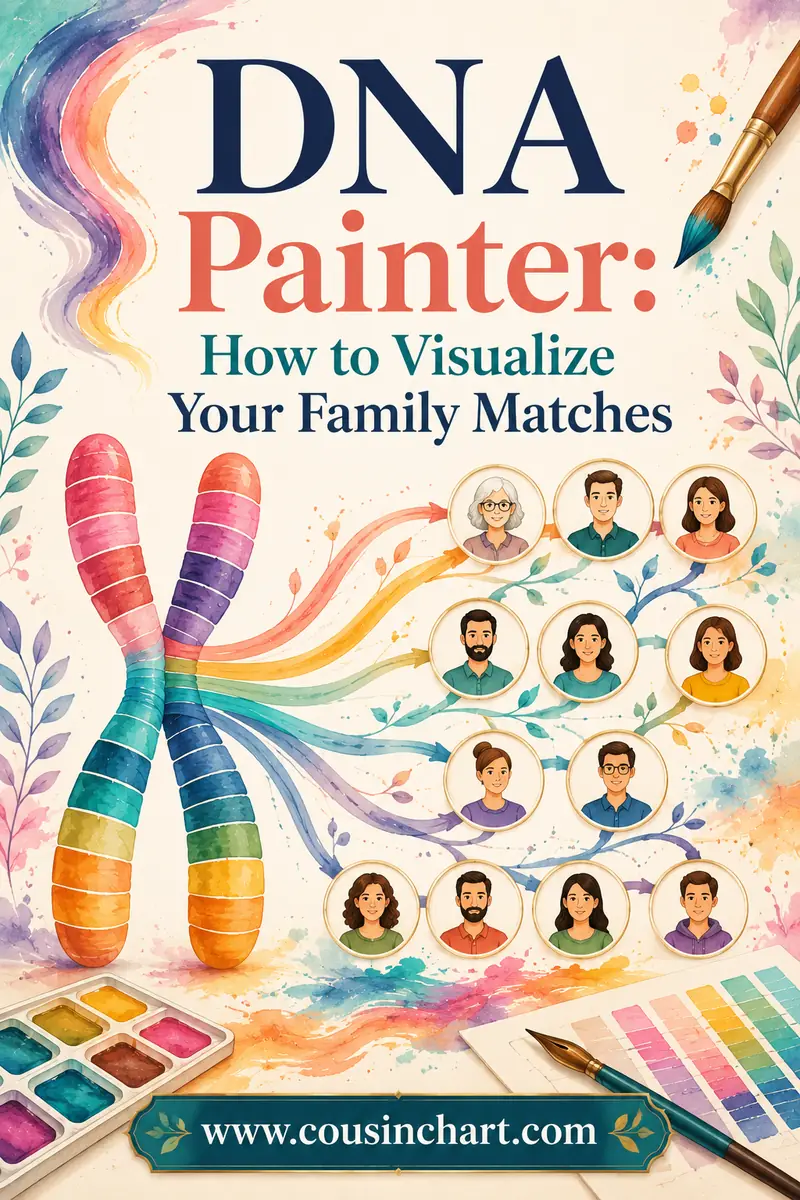
Chromosome mapping is the original feature, and it's the one that takes real effort. The idea is to build a picture of your own genome that shows which ancestor each stretch of DNA came from.
You start with a blank pair of chromosomes. Every time you identify a match and know how you're related, you paste in the segments you share with them and tag those segments with the ancestral couple you both descend from. DNA Painter colors them in, keeping maternal segments on one side and paternal on the other.
Do this thirty or forty times and something genuinely useful happens: chunks of your genome now have names on them. When a brand-new mystery match lands on a painted segment, you already know which line they're on before you look at a single record.
What you need before you start
- Segments, not totals. You need chromosome, start position, end position, and cM for each shared segment.
- A source that provides them. 23andMe, MyHeritage, FamilyTreeDNA and GEDmatch all do. AncestryDNA doesn't — see our chromosome browser guide for how to get around that.
- A known relationship. This is the non-negotiable one. Only paint matches whose connection to you you're confident about, because a wrong assignment poisons everything downstream.
The basic mapping workflow
- Create a free account and start a new profile for the person whose DNA you're mapping.
- Open a match whose relationship you already know — a confirmed second cousin is perfect.
- Copy the shared segment data from your chromosome browser. DNA Painter accepts pasted data from all the main sites and will parse the columns for you.
- Tell DNA Painter which side the match is on (maternal or paternal) and name the ancestral couple you share.
- Save. The segments appear in color, on the correct side.
- Repeat with the next known match.
A word on the order: start with your most distant confirmed relatives rather than your closest ones. A confirmed third cousin paints a narrow, specific slice of DNA tied to one great-great-grandparent couple. A sibling paints half your genome and tells you nothing about which ancestor it came from.
How much of your DNA can you realistically paint?
Less than beginners expect, and that's normal. Ten well-chosen matches might color in 15 or 20 percent of your genome. Getting past half usually takes dozens of confirmed relatives spread across all four grandparent lines, and plenty of experienced researchers plateau at 40 or 50 percent for years simply because one branch hasn't tested.
The gaps aren't wasted effort, though. An empty stretch of chromosome 9 is itself a finding: it tells you nobody from that ancestral line has shown up yet, which is a useful hint about where to spend your next test kit. Painting also quietly audits your tree — if a match paints onto a segment you'd already assigned to a completely different branch, one of your two assumptions is wrong, and you've just caught an error you'd otherwise have carried for years.
What Else Can DNA Painter Do?
Beyond the two headline tools, the site includes several others that quietly solve specific problems.
What Are The Odds (WATO) is the heavyweight. You sketch a small tree of a family you suspect you belong to, enter the amounts of DNA you share with tested members of it, and WATO calculates which position in that tree best fits your numbers. Adoptees and people searching for a biological parent use it constantly, because it turns "these people are all somehow related to me" into a ranked list of hypotheses.
Ancestral Trees lets you build a tree where cM amounts are attached to people, so the relationships and the DNA sit in one view.
The Coverage tool answers a question most people never think to ask: if you test yourself plus an aunt and two cousins, what percentage of a given ancestor's DNA does your family collectively hold? It's genuinely useful for deciding who to spend a test kit on.
There's also a well-organized set of shared cM tables and charts, which is often the fastest place to look something up when you don't want to click through the interactive tool.
Is DNA Painter Free or Paid?
Mostly free, with a small subscription for heavy users.
The Shared cM Tool is completely free and doesn't even require an account. Same for WATO and the reference charts. You can use the single most valuable feature forever without paying anything.
Chromosome mapping needs a free account, and the free tier gives you a working profile — enough for most people mapping their own DNA. The paid subscription adds more profiles, which matters if you're mapping several family members' kits, plus some extra features and the warm feeling of supporting an independent tool that the whole hobby depends on.
There's no upsell pressure, no ads screaming at you, and no data-selling business model lurking behind it. For a site this central to genetic genealogy, that's worth noting.
What Can't DNA Painter Do?
Being clear about the limits saves a lot of frustration.
- It doesn't test DNA. You need results from an actual testing company first.
- It has no match list. It never sees your matches unless you paste them in.
- It can't paint AncestryDNA matches. No segment data means nothing to paint. Transfer your raw file elsewhere.
- It can't name your ancestor. The Shared cM Tool tells you a match is probably a second cousin; finding out which second cousin is still traditional genealogy.
- It can't fix bad input. Paint a segment under the wrong ancestor and every conclusion built on that segment is wrong.
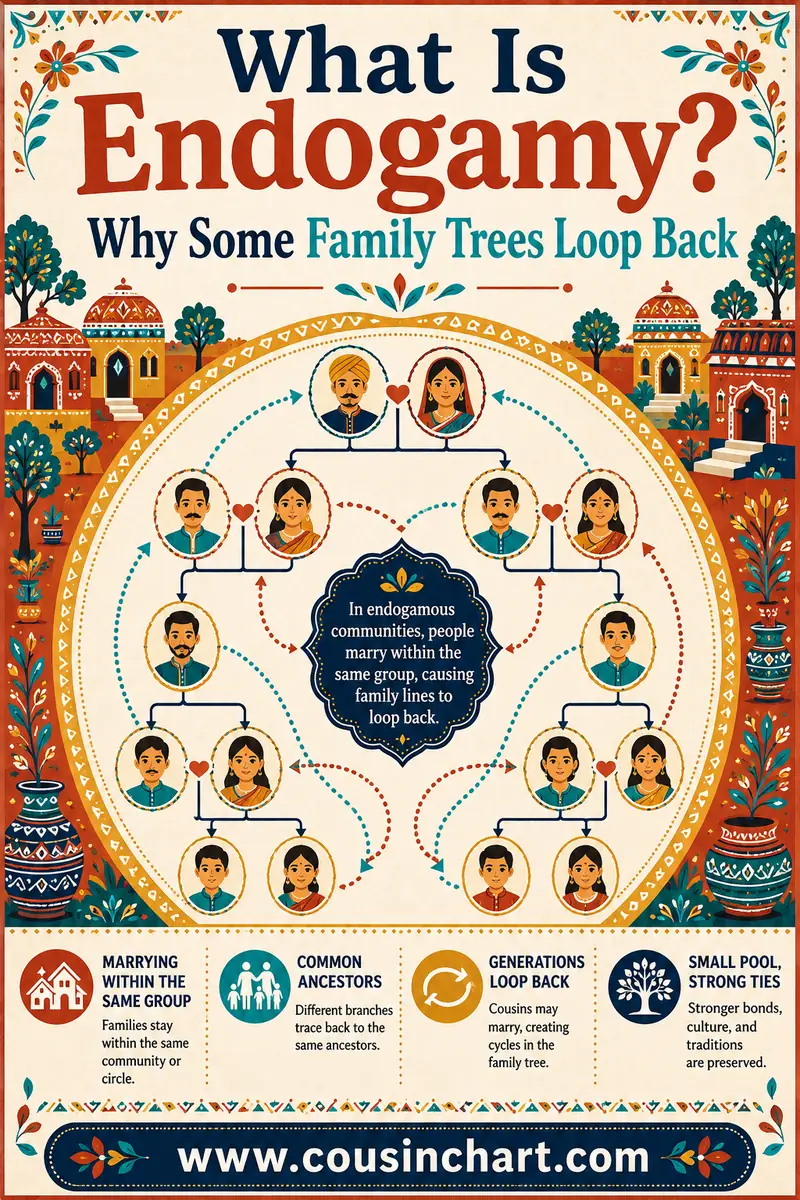
- It struggles with endogamy. In populations where everyone is related multiple ways, shared cM totals run high for the actual relationship, so the Shared cM Tool's percentages skew toward relationships that are too close. Our guide to endogamy explains why, and DNA Painter itself flags the issue.
One more subtlety worth knowing: Ancestry's cM totals for distant matches read lower than other companies' because Ancestry's Timber algorithm strips out DNA in regions where large numbers of unrelated people match. When you enter an Ancestry number in the Shared cM Tool, you may be entering a slightly deflated figure. It's rarely enough to change your conclusion, but it's a real effect worth remembering when a number sits right on a boundary — and it's one of several quirks covered in our look at how accurate AncestryDNA really is.
What Mistakes Do New Users Make?
Entering the percentage instead of the cM. The tool wants centimorgans. "3.1%" and "230 cM" are not interchangeable inputs, and typing 3.1 will give you a nonsense answer.
Using the longest segment. Use the total shared cM across all segments. The longest segment is a useful separate signal — see our centimorgan explainer — but it isn't what the Shared cM Tool is calibrated on.
Treating a percentage as a verdict. A 45% probability means fewer than half the people in that situation have that relationship. It's the leading candidate, not the answer.
Painting unconfirmed matches. The single most damaging habit. If you're not sure how you're related, don't paint it. DNA Painter lets you mark segments as tentative — use that.
Skipping the notes field. Six months from now you won't remember why you assigned that segment to your Kowalski line. Write it down when you paint it.
Ignoring which parent's side a segment goes on. If you can't tell maternal from paternal yet, color-clustering your matches first will usually sort it out. The Leeds Method does exactly that, needs no segment data, and pairs beautifully with DNA Painter.
Do You Need DNA Painter at All?
Depends what you're doing.
You'll get a lot from it if you have unexplained matches in the 100–800 cM range, you're searching for an unknown parent or grandparent, you're stuck on a brick wall and want to sort matches by line, or you've already tested several relatives and want to combine what they tell you.
You can skip it if you tested purely for the ethnicity map, all your close matches already have obvious explanations, or you tested at Ancestry only and don't want to bother with a transfer. In that last case the Shared cM Tool alone is still worth bookmarking — it works fine with an Ancestry cM figure even though the mapping side doesn't.
Realistically, most hobbyists use the Shared cM Tool weekly and never touch chromosome mapping. That's a perfectly sensible way to use the site.
FAQ
Is DNA Painter free?
The Shared cM Tool, WATO and the reference charts are free with no account required. Chromosome mapping needs a free account and the free tier covers a working profile; a low-cost subscription adds more profiles and extra features for people mapping multiple kits.
Does DNA Painter test your DNA?
No. It has no lab and no kits. You test with AncestryDNA, 23andMe, MyHeritage, FamilyTreeDNA or another company, then bring your results to DNA Painter for interpretation and mapping.
Can I use DNA Painter with AncestryDNA results?
You can use the Shared cM Tool with Ancestry's total cM figures. You can't do chromosome mapping, because Ancestry provides no segment data. The fix is to download your raw Ancestry file and upload it free to MyHeritage, FamilyTreeDNA or GEDmatch, then paint the segments those sites give you.
What is the Shared cM Project?
A crowdsourced study by genetic genealogist Blaine Bettinger collecting real shared-DNA amounts between people with known relationships. Those submissions produced the ranges and averages that power DNA Painter's Shared cM Tool, which is why its ranges reflect real-world variation rather than theory.
How accurate are DNA Painter's relationship probabilities?
They're a fair reflection of observed data, but they're probabilities, not identifications. Several relationships share nearly identical cM ranges, so the tool often can't separate them. It's also skewed for people with endogamous ancestry, where shared totals run higher than the actual relationship suggests.
What is WATO in DNA Painter?
What Are The Odds is a hypothesis-testing tool. You build a small tree of a family you might belong to, enter the cM you share with its tested members, and WATO ranks which position in the tree your numbers best fit. It's a mainstay of unknown-parentage research.
Get the Easy Answer First
DNA Painter is one of the genuinely great free tools in this hobby, and if you're doing serious match work you'll end up using it. But it rewards preparation: confirmed relationships, saved segment data, and notes you'll still understand next year.
Before you build a chromosome map, start with the number in front of you. Run your match's shared cM through the free DNA match calculator to see the plausible relationships, then use the shared cM chart to understand why the ranges overlap the way they do. Once you know what you're looking at, the painting is the easy part.