Canva Family Tree Templates (Plus Free Alternatives)
Canva's free plan includes hundreds of family tree templates — search "family tree" inside Canva, pick a layout, and swap the placeholder names and photos for your own. It's the fastest route to a pretty tree: watercolor branches, photo collages, minimalist charts. The catch is that most Canva designs are built for looks, not genealogy, so this guide adds the part Canva leaves out — how many boxes you actually need, what size canvas to start with, and how to set it up so it prints clean.
We'll walk through the whole process step by step, then cover the free alternatives (including the printable chart pack right here on CousinChart) for when you want a fill-in-and-go PDF instead of a design project. One tip before you start placing boxes: settle any "wait, is she my second cousin or my first cousin once removed?" debates with the free relationship calculator first — it's much easier than moving twenty text boxes later.
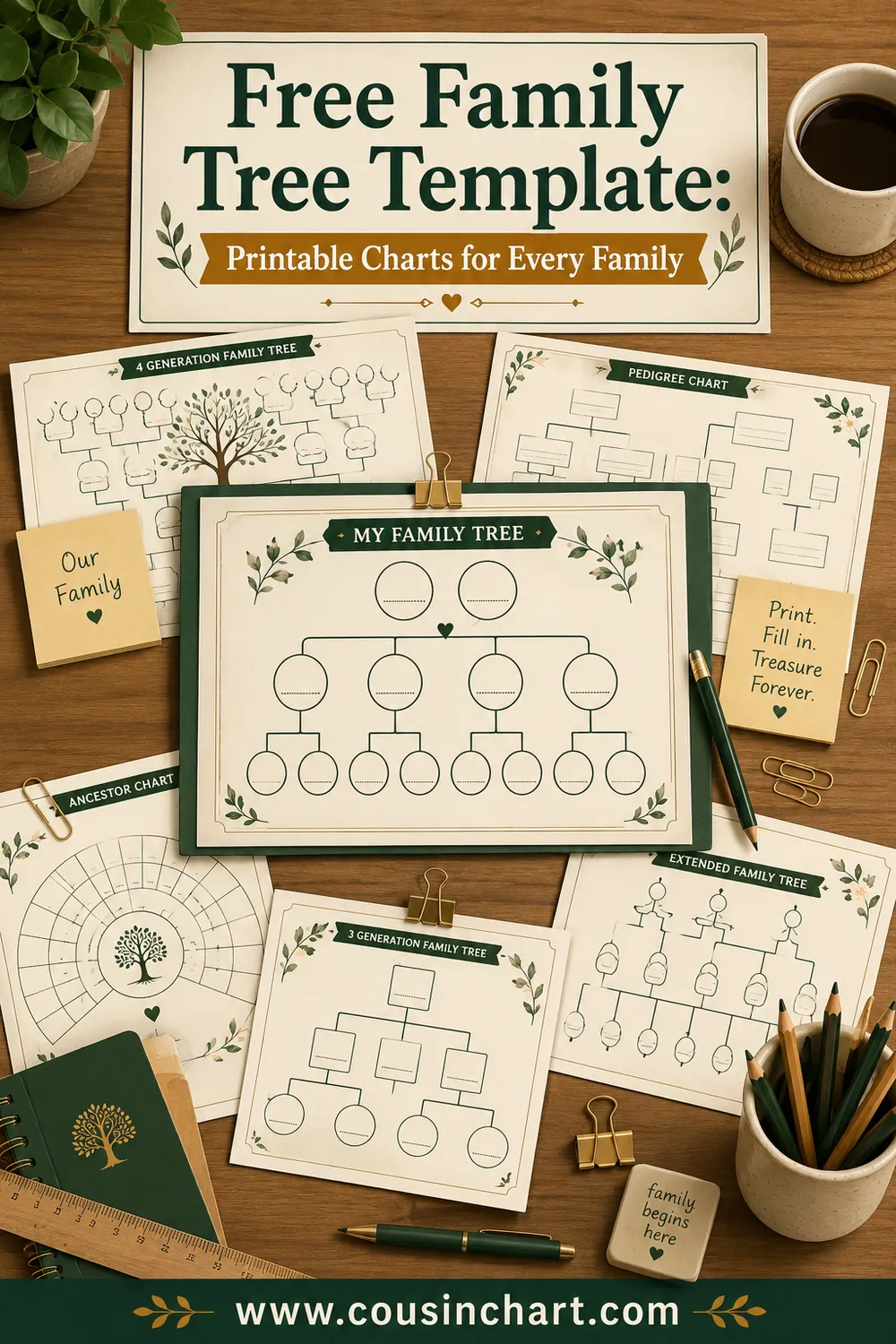
Free printables for this page
Download a blank PDF (US Letter or A4) — free, no sign-up — or customize it in the maker above before printing.
 3-Generation Family TreeYou, parents and grandparents. Portrait, big boxes, 10 minutes to fill.
 4-Generation Pedigree Chart
 5-Generation Pedigree Chart
 Blank Fan Chart (5 Generations)
 Photo Family Tree
Relationship quick-check: tap a phrase to see who they are — and whether they get a box on your tree.
Tap a phrase above to see the answer.
Work out any family relationship →What Canva does well (and where it falls short)
Canva is a free browser-based design tool, and for family trees it has three genuine strengths: the template library is huge and genuinely attractive, the drag-and-drop editing means zero learning curve, and photo handling — cropping faces into circles, snapping them to a grid — is where it beats every genealogy program on looks.
Where it falls short is structure. Canva templates are decorative first: many show a cheerful tree with eight or ten leaves and no logic about generations. If you try to extend a decorative template from three generations to five, you're manually drawing every box and line. So the honest rule of thumb:
- Canva is the right tool for a gift, a wall print, a school project, a memorial display, or anything with photos.
- A structured printable is the right tool for research and fill-in-by-hand charts — that's what our free family tree template collection and the CousinChart chart pack are for. Print, write, done.
The box math: decide your generations before you open Canva
Every ancestor tree doubles as it climbs: you, 2 parents, 4 grandparents, 8 great-grandparents, 16 great-great-grandparents. Total boxes = 2 to the power of generations, minus one. That math decides your canvas size before any design decision:
| Generations | Total boxes | Top-row boxes | Realistic canvas |
|---|---|---|---|
| 3 | 7 | 4 | A4 / US Letter, portrait |
| 4 | 15 | 8 | US Letter or A4, landscape |
| 5 | 31 | 16 | 11×17" (tabloid), landscape |
| 6 | 63 | 32 | 18×24" poster or larger |
The top row is the constraint. Eight great-grandparent boxes across a landscape Letter page gives each box roughly 1.2 inches of width — fine for a name and a year. Sixteen boxes across the same page gives each about 0.6 inches, which is unreadable. When the top row passes eight boxes, either go up a paper size or switch to a fan layout, where the arcs share the space more gracefully.
If you're including siblings, aunts, uncles, and cousins (a descendant or "bushy" tree), there's no formula — count your actual people, add 20% for the relatives you forgot, and start from a poster-size canvas.
Step by step: a family tree in Canva
- Create the canvas at print size. Skip the premade "Family Tree" dimension and choose Custom Size: 8.5×11" for Letter, 11×17" for a five-generation chart, 18×24" for a display poster. Working at final size from the start avoids blurry scaled-up text later.
- Search the template library. Inside the editor, search "family tree" and filter for the style you want: "family tree photo" for picture trees, "family tree chart" for structured layouts, "pedigree chart" for genealogy-style boxes. Free templates are marked; anything with a crown icon needs Canva Pro.
- Count the template's slots against your box math. A template with 10 leaves cannot hold a 4-generation chart of 15 people. Either pick a bigger template or duplicate elements: click a box, Ctrl/Cmd+D, drag into place.
- Build one perfect box, then clone it. Style a single rectangle with name, dates, and photo exactly how you want, group it, and duplicate for everyone. Consistency is what makes homemade trees look professional.
- Use straight connector lines, not branches, for charts. Canva's Elements panel has lines that snap to boxes. Decorative branch graphics are lovely on photo trees and hopeless at showing who descends from whom.
- Fill in names with maiden names for women. "Elena MARTINEZ b. 1931" reads better in twenty years than "Grandma Ellie." Surnames in caps is the genealogist's habit worth stealing.
- Double-check the relationships before finishing. One misplaced box — a great-aunt seated as a grandmother — quietly corrupts the whole upper tree. Run anything uncertain through the CousinChart calculator while it's still a two-second fix.
- Download for print. PDF Print gives the sharpest output for paper; PNG at the highest quality setting works for photo labs. If your design bleeds color to the edge, tick "crop marks and bleed."
Canva free vs Canva Pro for this job
| Feature | Free | Pro |
|---|---|---|
| Family tree templates | Hundreds | Thousands (adds premium designs) |
| Custom canvas sizes | Yes | Yes |
| PDF Print download | Yes | Yes |
| Background remover for photos | No | Yes |
| Magic Resize (Letter → poster in one click) | No | Yes |
| Brand fonts / premium elements | Limited | Full |
For a typical family tree, free is enough — the two Pro features that tempt people are the background remover (for cutting relatives out of group photos) and Magic Resize (for turning one design into a Pinterest pin, a poster, and a card). Both have free workarounds: remove backgrounds with any free web tool before uploading, and build the pin as its own 1000×1500 px canvas.
The template styles worth searching (and the exact search terms)
Canva's library rewards specific searches. These six queries surface the genuinely useful family tree designs:
| Search term | What comes up | Best use |
|---|---|---|
| "family tree chart" | Structured box layouts | Fill-in ancestor charts |
| "family tree photo collage" | Circular photo grids on tree art | Gifts, walls |
| "pedigree chart" | Genealogy-style numbered layouts | Research-flavored display |
| "family tree minimalist" | Line-art trees, lots of white space | Modern decor |
| "family tree kids" | Cartoon trunks, leaves, handprints | School projects |
| "genogram" | Squares-and-circles clinical layouts | Blended families, medical history |
Two filtering habits save time. First, set the color filter to your wall's palette early — recoloring a complex template by hand takes longer than starting from the right one. Second, ignore any template whose "boxes" are decorative leaves scattered at random heights; if the generations don't sit in clean rows or rings, you'll fight the design forever.
Getting old photos ready for a Canva tree
Photo trees live or die on image quality, and most family photos start as prints in a shoebox:
- Scan, don't photograph, if you can — a flatbed scanner at 600 dpi captures a small print with room to crop. No scanner? A phone photo taken square-on in bright indirect light (no flash — it glares on glossy prints) does fine for tree-sized circles.
- Crop to the face before uploading. Canva's circular frames center whatever you give them; pre-cropping to a head-and-shoulders square means every ancestor's face lands the same size.
- Match the finish. A tree mixing crisp modern photos with faded sepia scans looks patchy. Canva's filters can pull everything toward one treatment — a light black-and-white filter across all photos is the classic fix and quietly flattering to every era.
- Name your uploads. "elena-martinez-1948.jpg" beats "IMG_4032.jpg" when you're placing thirty photos — and future-you will thank you when rebuilding the tree at the next size up.
Building the tree together (Canva's quiet superpower)
Genealogy is a group sport, and Canva's free sharing beats emailing drafts around. Click Share, set the link to "can edit," and send it to the family group chat. Now the cousin in another state drops in her branch's photos herself, and grandma's corrections happen in comments instead of phone calls you have to transcribe. Two ground rules keep shared trees civil: lock the layout first (finish the boxes and lines before inviting editors, so helpers fill rather than redesign), and appoint one owner for the final download so seventeen slightly different PDFs don't circulate at Christmas.
Make it Pinterest-ready
Family trees are quietly one of Pinterest's evergreen categories — blank templates get pinned and re-pinned for years. If you're sharing yours (or pinning ideas for later):
- Create a separate 1000×1500 px (2:3) canvas for the pin; don't pin the print file.
- Show the tree partially filled — fully blank reads as generic, fully filled is someone else's family.
- Put the generation count in text on the pin ("4-Generation Photo Tree") — that's what people search.
- Pin your blank versions to a private board before family gatherings. Kitchen-table access to a printable settles arguments fast — as does having the relationship calculator open on someone's phone.
Free alternatives when Canva isn't the fit
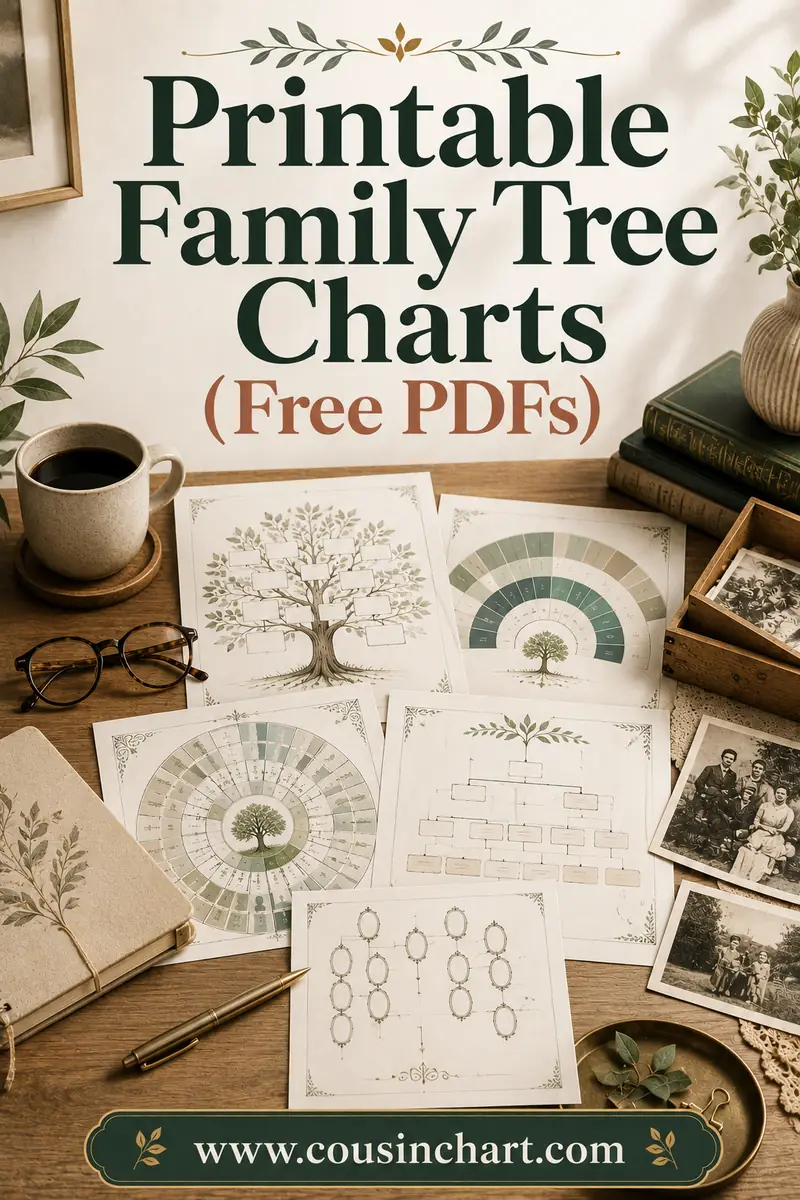
- CousinChart's printable chart pack. Our free downloads — fill-in PDF trees at 3, 4, and 5 generations plus a fan chart — exist precisely for the "I just want to print it and write" crowd. Start at the printable family tree charts page; no account, no watermark.
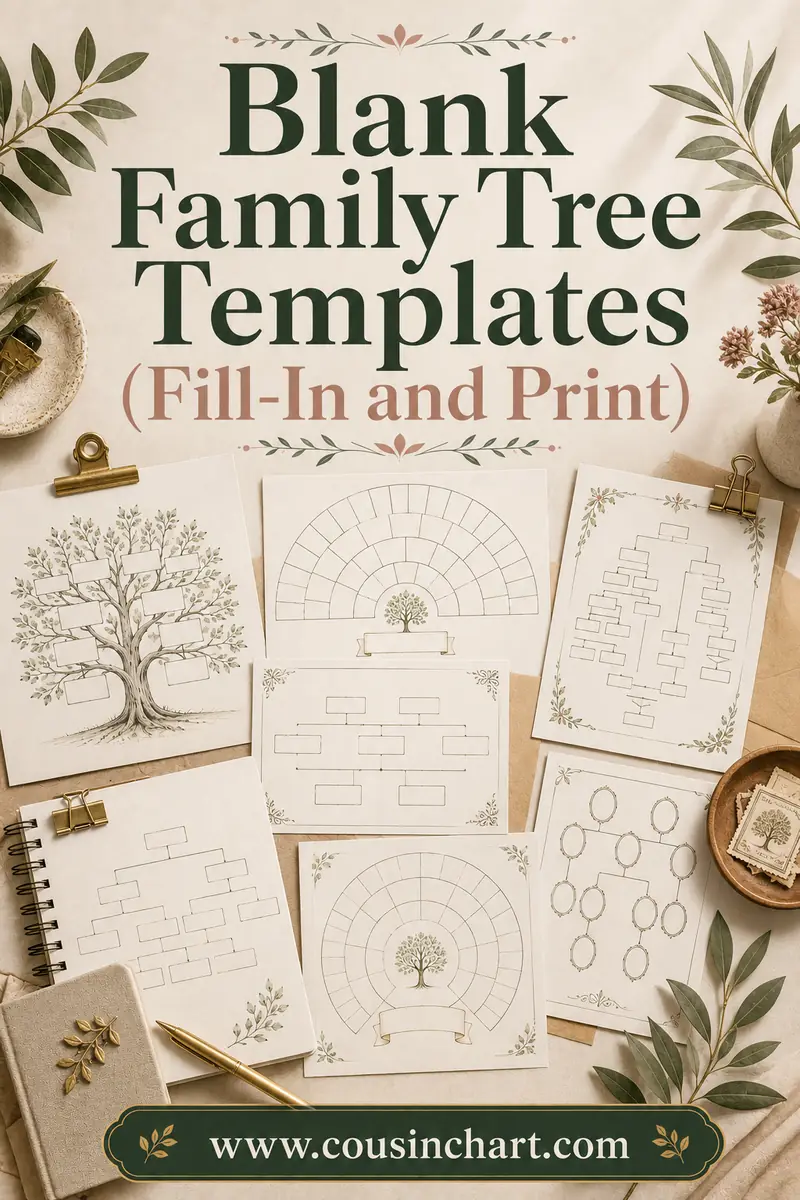
- Blank fill-in templates. If you want structure without any design work at all, a blank family tree template is the honest shortest path: print, pencil, done.
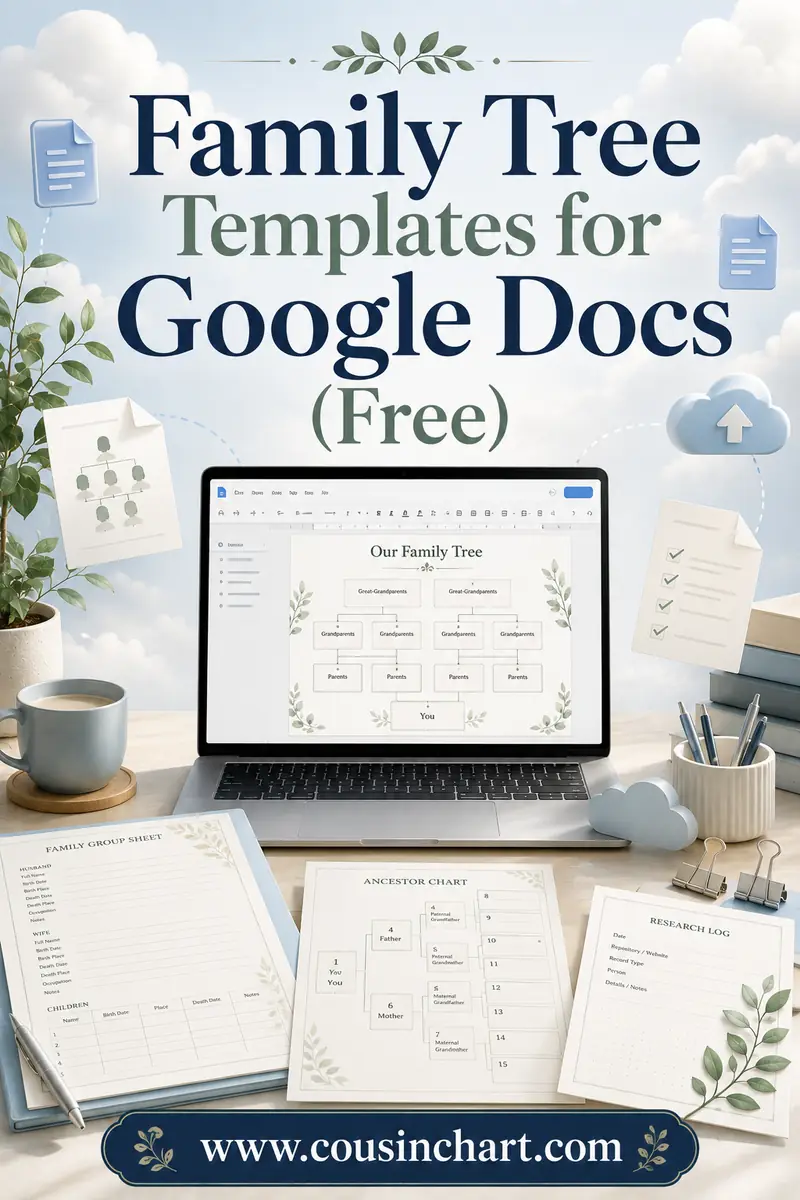
- Google Docs and Slides. Free, collaborative, and better than people expect for boxes-and-lines charts — the Google Docs family tree template route works especially well when relatives in different cities are filling it in together.
- Genealogy software and sites. Once you're past five generations or fifty people, drawing by hand in any design tool becomes punishment. Dedicated tools generate the chart from data — you type relationships, they draw the tree, and you can still export an image into Canva to prettify it.
The pattern: Canva for beauty, printables for speed, software for scale.
Common Canva family tree mistakes
- Starting on a tiny canvas. Social-post dimensions (1080 px square) print at roughly 3.6 inches — postage-stamp territory. Set print size first.
- Trusting a template's structure. Count the slots. Decorative trees routinely seat "grandma" and "aunt" at the same level, which teaches kids the wrong map.
- Married names for women. Every woman under her maiden name, or half the tree becomes untraceable.
- No dates. Names alone go stale in a generation. Birth years minimum.
- Mixing up removed cousins. "Once removed" means one generation up or down from your cousin, not "distant." When labeling the outer branches, verify with the calculator rather than guessing.
FAQ
Is Canva's family tree maker actually free?
Yes. Canva's free plan includes the editor, hundreds of family tree templates, custom canvas sizes, and PDF downloads. Pro (paid) adds premium templates, the photo background remover, and one-click resizing — nice, not necessary.
What size should a Canva family tree be?
Match the canvas to the generation count: US Letter or A4 for 3–4 generations, 11×17" for 5 generations, 18×24" or larger for 6 generations or a bushy all-relatives tree. Set the size when you create the design, not after.
How many people fit on a family tree template?
Ancestor charts double each generation: 7 people for 3 generations, 15 for 4, 31 for 5, 63 for 6. The top row (4, 8, 16, then 32 boxes) is what forces bigger paper as you climb.
Can I print a Canva family tree at a print shop?
Yes — download as "PDF Print" with crop marks and bleed if color reaches the edge, and any copy shop or online printer can run it. For poster sizes, ask for 100 lb paper or cardstock; ordinary paper ripples with heavy ink coverage.
Should cousins and aunts go on the tree?
Only on branching "whole family" layouts. Traditional pedigree charts show direct ancestors exclusively — parents, grandparents, and up. If you want aunts, uncles, and cousins, choose a descendant-style or photo-tree template and expect to need a bigger canvas.
What's the easiest alternative if Canva feels like too much work?
A ready-made printable. Download a free fill-in chart — like the PDFs in the CousinChart pack — print at actual size, and hand-write the names. Ten minutes, no accounts, and pencil beats software for first drafts anyway.
Design it once, settle arguments forever
Open Canva, set the canvas to print size, and give yourself one evening — a photo tree of the grandparents is the kind of gift that gets framed the same week. Or skip the design work entirely and grab the free fill-in PDFs from our printable chart collection. Either way, when the finished tree sparks the annual "so what IS Uncle Ray's grandson to me?" debate, the free CousinChart relationship calculator ends it in ten seconds flat.